
IfNeeded

Emergency access for your digital life

Keep important information ready for people you trust

If you’re ever unreachable, the people who rely on you shouldn’t have to guess. IfNeeded helps you prepare clear instructions and context, while you stay in control before anything is released.

No passwords needed. Start with a note that tells trusted people where to look and what to do first.

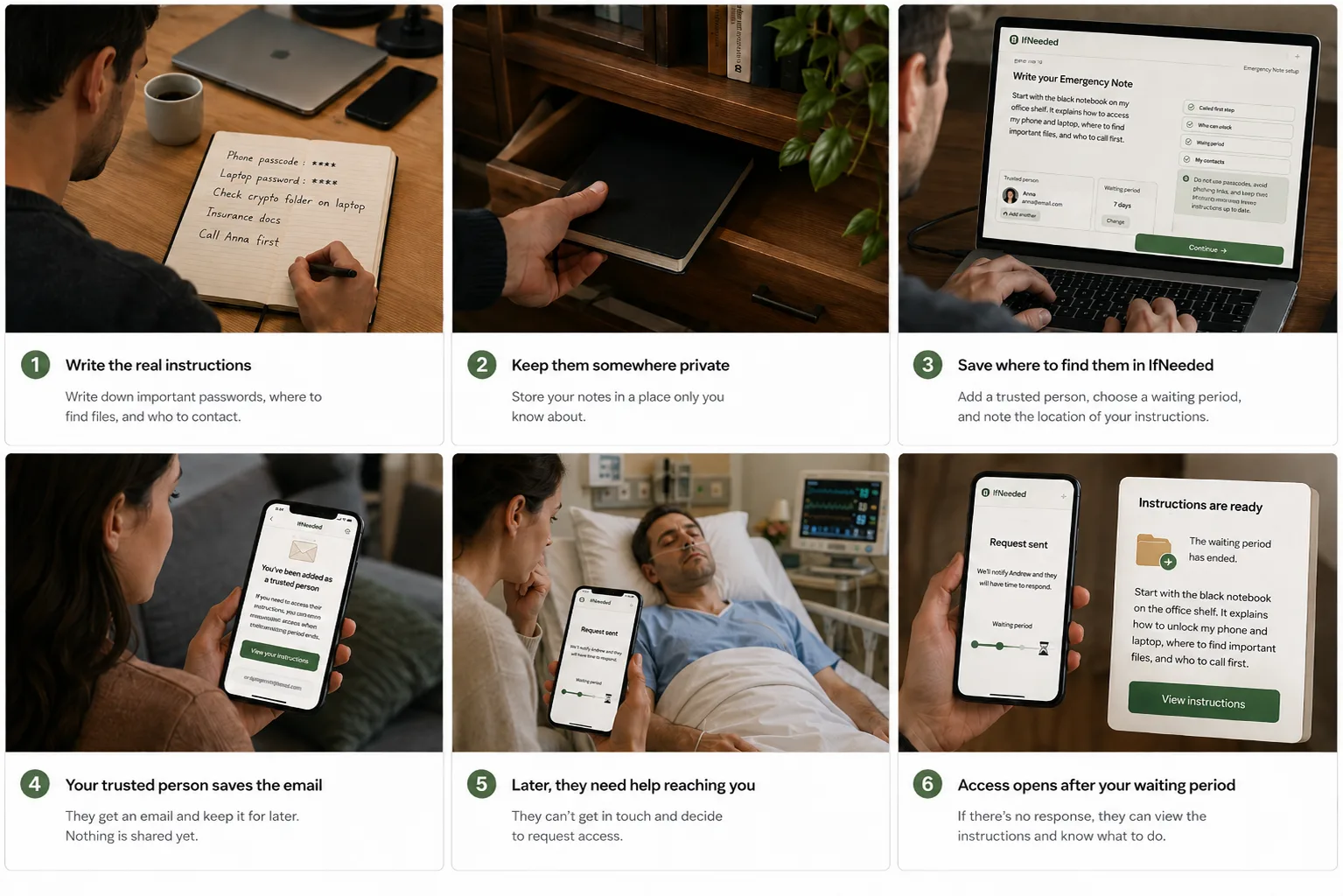
  • Step 1: Write one Emergency Note with what to do first, who to call, and where to look.
  • Step 2: Add one trusted person and set a waiting period. Do not store passwords or private keys.
  • Step 3: If they request access, you’re notified first and can stop the release before the waiting period ends.
How it works

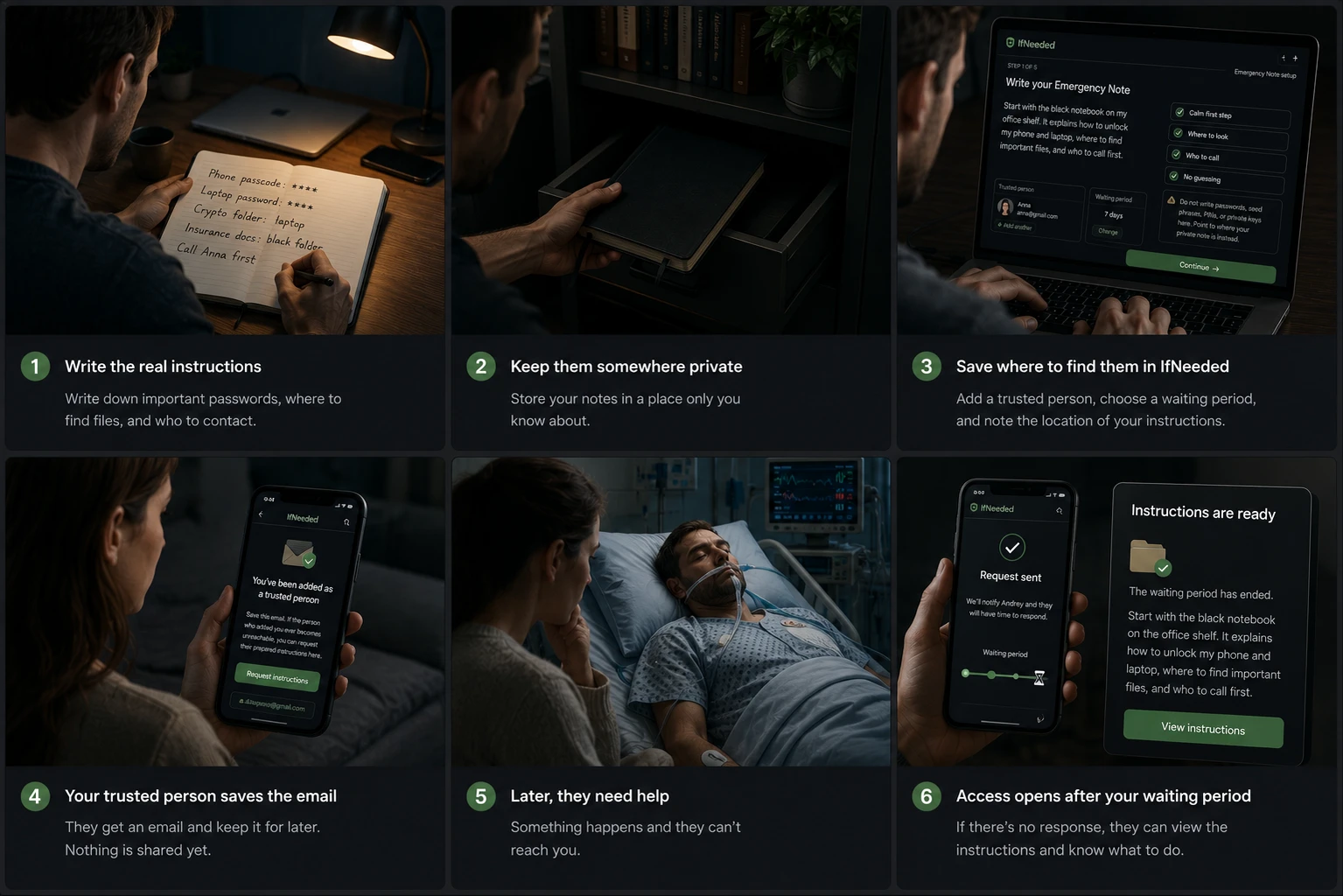
Keep sensitive details wherever you trust them — a paper letter, family folder, safe, lawyer, password manager, or private document. In IfNeeded, write a simple note that tells your trusted person where to look and what to do first.

Access works by email: they can request the note, you get notified, and they don’t need an account. They can’t read anything today. If they request access later, you have the waiting period to stop the release before the note opens.

To AnnaSetup

You’ve been added as a trusted person

  • Nothing is shared with you now.
  • Use this link only if you need to request access later.

Request access

Use Cases

Prepare the notes, contacts, and next steps someone may need if you are unreachable.

Private plan preview

Trusted person: Anna

Family documents

IDs, insurance, policies, records

Household instructions

Utilities, alarm codes, routines

First contacts

Who to reach first and why

Waiting period: 3 days

Plan becomes accessible after the waiting period.

Change
Family

Family emergency access

Help your family find the right notes, documents, contacts, and next steps when you are unreachable.

  • Important documents

    Where to find IDs, insurance, policies, and records.

  • Household operations

    Utilities, subscriptions, alarm codes, maintenance, and routines.

  • First calls to make

    Who to contact first and what to prioritize.

Business

Business Continuity

Help a partner, teammate, or successor keep important operations moving with clear handover instructions.

  • Operational handover

    Key tools, SOPs, repos, vendors, and owner notes.

  • Billing and renewals

    Subscriptions, domains, software, and licenses.

  • Support handover

    Customer contacts, escalation paths, and open issues.

Prepared sections

Examples of sections you can prepare.

Preview: assign a trusted person and waiting period for this section before sharing.

Each section can have its own trusted person and waiting period.

Other plans people prepare

Partner continuity

Bills, apartment info, pet care, emergency contacts.

Travel / expat

Passport copies, insurance, embassy contacts, local backup person.

Medical notes

Doctors, medications, allergies, care preferences.

Pets

Vet, food, routines, caregiver instructions.

Crypto / recovery context

Where to look and who to contact — not seed phrases.

Pricing

Start with one Emergency Note. Upgrade when you need more sections, trusted people, and family continuity.

Emergency Note

$0

Try the core flow with one trusted person.

  • One Emergency Note
  • 1 trusted person
  • 1 waiting period
  • Test-to-self
  • Release preview
  • Simple activity history

Recommended

Personal

$49 / year

For one person preparing important instructions, files, and recovery context.

  • Full Emergency Access Plan
  • Multiple sections
  • Multiple trusted people
  • Section-level waiting periods
  • Reminders and activity history

Family

$99 / year

For household documents, family instructions, shared contacts, and review reminders.

  • Household and family sections
  • Multiple trusted people
  • Family readiness templates
  • Separate access by section
  • Shared review reminders